A one-binary, self-hosted mailing list manager.
Manage lists, subscriptions, archives, and moderation from a single static binary. No separate database, cache, or frontend.
Mailing lists are the discussion medium that is durable, protocol-native, and yours.
Every post is archived, threaded, and searchable. Plain email, with no account to create. Run by the people on the list, not a platform.
Durable
A record your community keeps, not a feed that scrolls away.
Protocol-native
Plain email, end to end. No app, no account, no platform.
Yours
Self-hosted, so the archive and the decisions stay with the list.
One binary. No services.
xMailman is a single Go daemon with an embedded web UI and SQLite storage. Drop it on a VPS or run the container. Nothing else to install, tune, or keep alive.
One process speaks mail and serves the web UI. One SQLite file holds the lists, subscriptions, archive, and queue.
See how it deploys →You get
- One static binary with the UI embedded
- SQLite, a single file
- LMTP and a pipe socket for inbound mail
- A retrying outbound queue
You don’t need
- A separate database server
- A cache
- A frontend server or Node runtime
- A job runner for digests or bounces
A web UI that doesn’t feel like 2003.
Passwordless by design: sign in with a magic link emailed to you, then manage everything from a web console or the CLI.
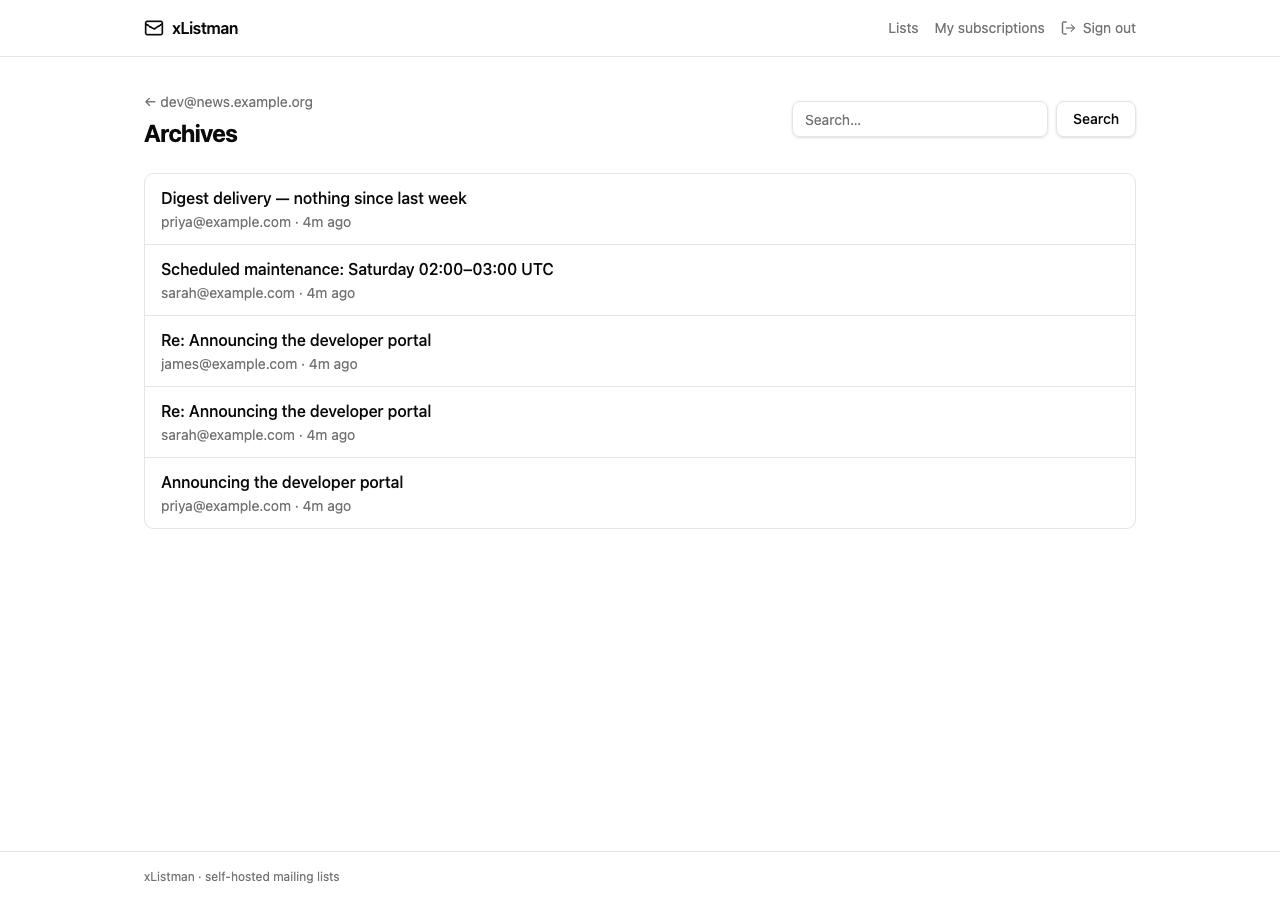
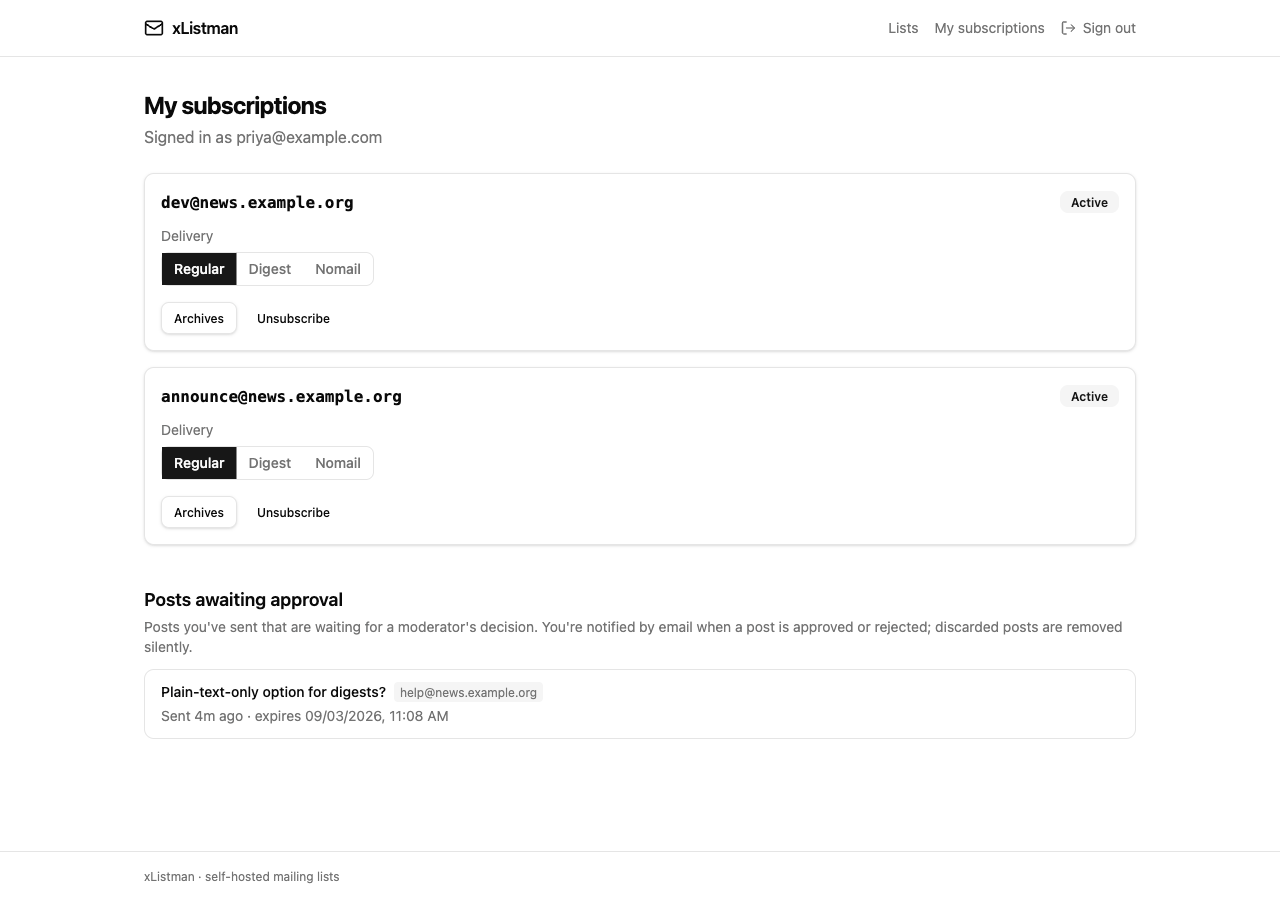
The housekeeping is built in.
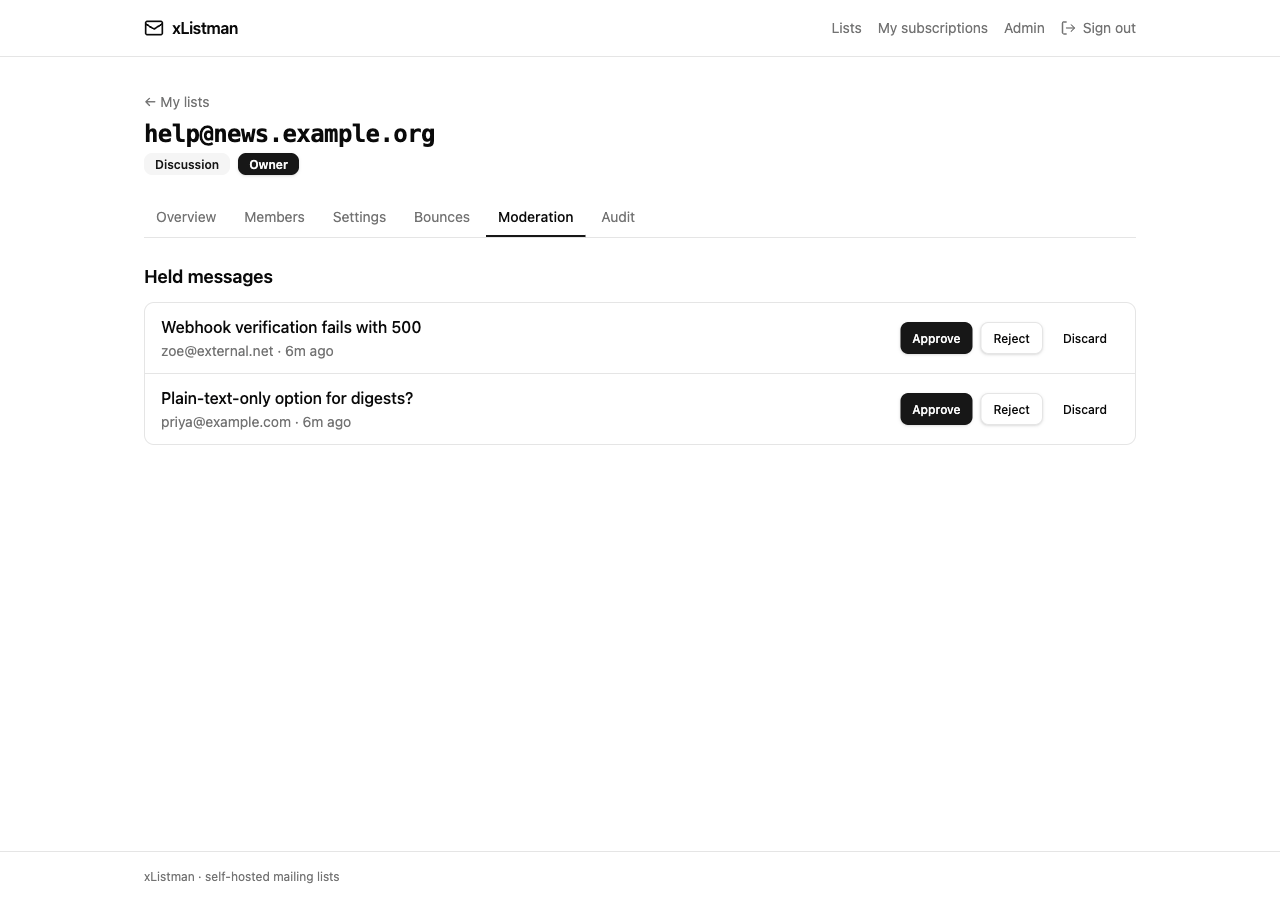
Digests, held-message moderation, bounce handling, and an immutable audit trail.
Mailman, without the pain
If you run GNU Mailman today, you know the friction.
xMailman answers the recurring pains directly, without a feature war. The differences that actually matter:
Deployment
Mailman runs two processes on a Python web stack. xMailman is one static binary with the UI embedded. Drop it on a VPS or run the container.
Sign-in
No admin-managed passwords. Members sign in with a passwordless magic link; sessions are short-lived and self-expiring.
The web UI
A console from another era is the product. xMailman ships a modern UI for members, moderators, and administrators, plus a CLI for everything else.
Mail integration
LMTP with Postfix and exim, validated end to end, or a pipe-mode Unix socket when you don’t want LMTP.
It plugs into the mail server you already run.
xMailman integrates with an existing MTA instead of replacing it. Postfix and exim are validated against the full loop.
Read the MTA integration guide →# inbound
MTA → LMTP / pipe socket → xMailman
# outbound
xMailman → retrying queue → SMTP relay
# bounces
VERP envelope → right subscription
Quickstart
Run it in one command.
docker run -d --name xmailman \
  -p 8080:8080 -p 127.0.0.1:8024:8024 \
  -v xmailman-data:/data \
  -e XMAILMAN_WEB_BASE_URL=http://localhost:8080 \
ghcr.io/barats/xmailman:latestOwn your mailing list.
Run xMailman on your own server and keep your community’s discussion where it belongs, with you.